Prices updated today
%2Fpic9204771.jpg)
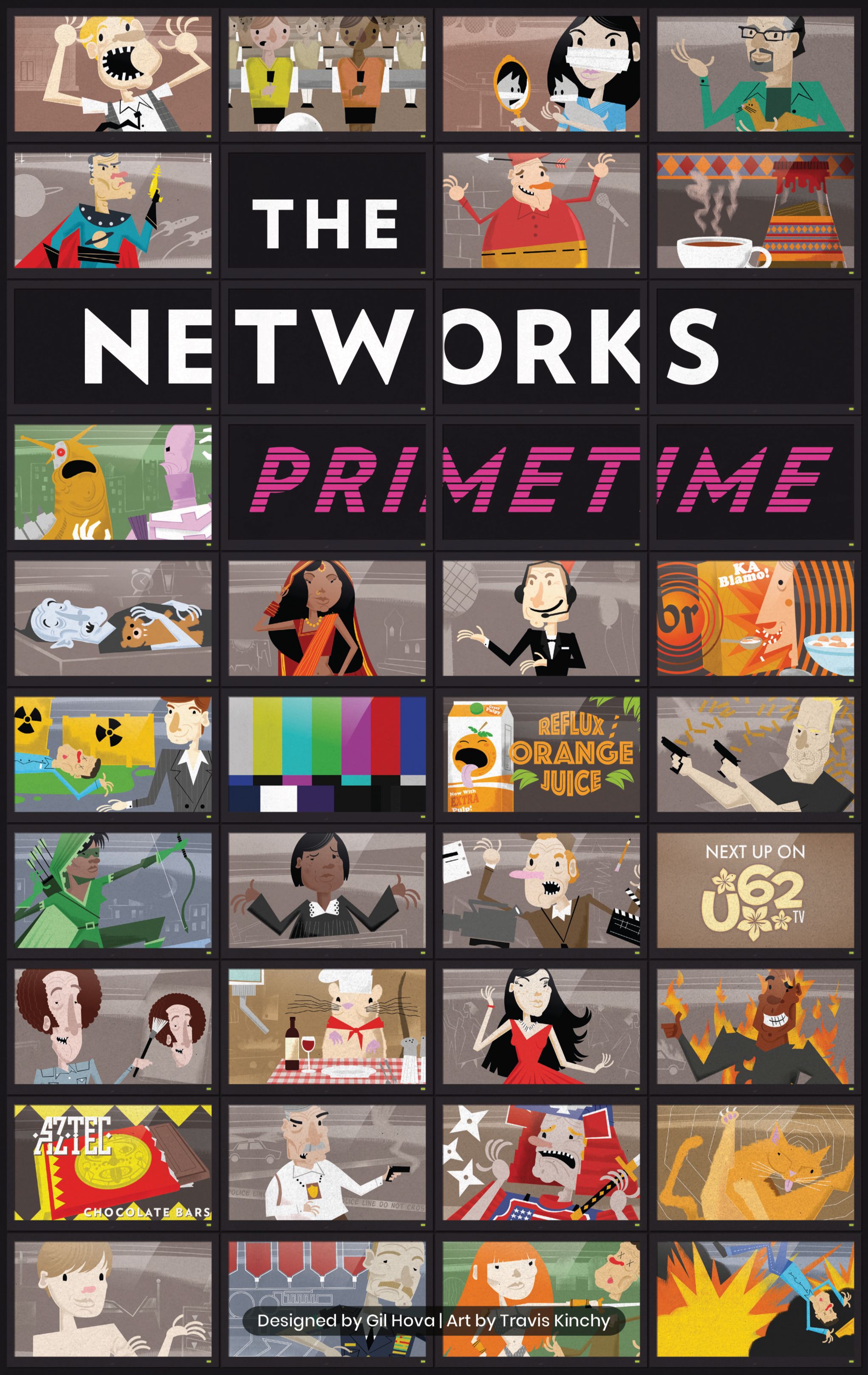
The Networks: Primetime
Formal Ferret Games · 2016
1–560–90 min13+ yrs2.6/5 complexity7.1 BGG#916 BGG11 KStrategy
⚡ short answer
How do you play The Networks: Primetime?
The objective of The Networks: Primetime is to be the network with the most viewers at the end of five seasons. Players will develop shows, snag ads, and hire stars, all in an effort to be the most-watched channel on the airwaves. Strategic planning and adapting to changing viewer preferences are key to success.
To find the best price for The Networks: Primetime, howtoplay.ro compares deals from Romanian shops every day.
FromRON 189
%2Fpic9204771.jpg)
the rules in 60 seconds▶ auto · 1/6
🧩
01
Setup
Set up the game board, shuffle and place show, ad, and star cards, and give each player a player board, starting cards, scoring square, turn order disk, and four black cubes.
The rules, step by step
Setup
First, gather the scoring track boards. The right scoring track has a setup side and a symbol on the lower right for the number of players. Next, shuffle the eight Season 1 show cards and draw a number of cards as listed on the setup track, returning the rest to the box. Then place the Season 2 and 3 and Season 4 and 5 show cards nearby. Follow the same steps on the setup track, shuffle and place the ad cards and star cards as well, and place their decks nearby. Shuffle the network cards and set those aside for now; they're going to be used in the second season. Also, be sure to remove the 'I' labeled network cards; they're for a one or two-player game. Each player now chooses a color and takes the matching player board, starting cards, scoring square, turn order disk, and four black cubes. Place the starting star and ad cards in the green room. This is your staging area. Then place each of the starting shows on a time slot: 8 PM, 9 PM, or 10 PM. The order doesn't currently matter, and as the rulebook states, all starting shows are equally bad. Place the scoring squares on the zero space of the score track. Determine the turn order in some whimsical way, and then place the turn order disks on the turn order track from left to right. Based on those positions, each player will take an amount of starting money as listed on the setup card. Be sure to consult the rulebook for any variations on these setup rules, depending on your number of players.
Objective
The objective of The Networks: Primetime is to be the network with the most viewers at the end of five seasons. Players will develop shows, snag ads, and hire stars, all in an effort to be the most-watched channel on the airwaves. Strategic planning and adapting to changing viewer preferences are key to success.
On your turn
Gameplay occurs in turns, during which a player may take one action: Develop Show, Sign Star, Land Ad, Take Network Card, Attach, or Drop and Budget. The Develop Show action is the most important action in the game and the main way to score viewership. Let's look at a show card. You have the show's genre and preferred time slot on the top left, development cost (how much it costs to first buy), upkeep cost (how much it costs each season), viewership on the right (based on what season the show is in), rerun viewership, and prerequisites for development. The prerequisites listed at the bottom mean the network must have either a star, an ad, or optionally either to be purchased using this action. The player must now cancel one of their shows, placing it upside down in their rerun section, discarding any ads or stars on the show to the bottom of their respective decks. They may then place their new show in that time slot, along with any stars or ads they want from their green room, placing the black cube on the first row of the viewership. If placed in its preferred time slot, a show grants bonus viewers in its first season. Shows are limited by the number of ad or star symbols listed in the prerequisites. Additionally, some stars and ads have conditions, which if met when assigned to their show, means they can be rotated to their more valuable colored side. Otherwise, they use their gray-side statistics. Another action, Sign Star, allows you to buy a star from the general area and add them to your green room. Pay the signing cost next to their name. Land Ad provides money to the network by allowing you to take a card from the ad area, along with the signing bonus in the top left. This ad goes in your green room, awaiting placement on a show. Take Network Card becomes available in the second season. These action cards award bonuses, provide powers, or end-game points. Depending on the symbol in the top right of the card, the effect will either be instant, one-time use, end-game effect, or constant. The Attach action allows you to place one star or ad onto a show from your green room. Be mindful of the star and ad capacity for each show. You can always replace these ads and stars with this action in future rounds, because actors are expendable. Finally, Drop and Budget allows the player to immediately end their participation in the season and step out for either the money or viewers. The player removes their turn order disk to the leftmost available space in the Drop and Budget track, then collects one of the rewards listed. In Season 1, players can only take debt money.
Scoring
Players continue taking turns until all the players have dropped out of the season, signaling that season is over. At the end of every season, calculate your income and expenses by paying for your shows, your stars, and gaining money from your ads. If income is positive, take it from the bank, but if it's negative, you have to pay. Anyone who cannot afford to pay in money must do so in viewers, so be mindful of your bottom line. Next, players score viewers. Calculate the viewers from the current row of each of your shows based on the black cube placement. Add in rerun points from rerun shows and any bonuses for preferred time slots. Then move your scoring marker along the track. After you score, age your shows one season by moving the black cube down one row. If a black cube reaches the last slot, it just stays there.
Game end
Once the fifth season is over and scored, it's the end of the game. But wait, score the viewers from the lineups one more time. But this time, don't collect income or pay expenses or score reruns. Finally, players gain one viewer for every star in their green room and score for end-game network cards. The network with the most viewers wins.
Tips
One quick note: starting in the second season, shows begin to score genre bonuses. These bonuses help networks that have developed shows of the same genre, scoring them five extra viewers instantly upon the development of their third and fifth shows, and bonus cards too. Shows in your archive can count towards this genre bonus.
game anatomy
Complexity2.6 / 5
BGG rating7.1 / 10
Vibe
Strategy
Language dependence
Moderate text — a crib sheet helps
Play time
60–90 min
Players
1–5
Recommended age
13+ yrs
BGG rank
#916
from Trișache · verified
Frequently asked questions
Q1What is the goal of the game?
The objective of The Networks: Primetime is to be the network with the most viewers at the end of five seasons. Players will develop shows, snag ads, and hire stars, all in an effort to be the most-watched channel on the airwaves. Strategic planning and adapting to changing viewer preferences are key to success.
Q2How do you set up the game?
First, gather the scoring track boards. The right scoring track has a setup side and a symbol on the lower right for the number of players. Next, shuffle the eight Season 1 show cards and draw a number of cards as listed on the setup track, returning the rest to the box. Then place the Season 2 and 3 and Season 4 and 5 show cards nearby. Follow the same steps on the setup track, shuffle and place the ad cards and star cards as well, and place their decks nearby. Shuffle the network cards and set those aside for now; they're going to be used in the second season. Also, be sure to remove the 'I' labeled network cards; they're for a one or two-player game. Each player now chooses a color and takes the matching player board, starting cards, scoring square, turn order disk, and four black cubes. Place the starting star and ad cards in the green room. This is your staging area. Then place each of the starting shows on a time slot: 8 PM, 9 PM, or 10 PM. The order doesn't currently matter, and as the rulebook states, all starting shows are equally bad. Place the scoring squares on the zero space of the score track. Determine the turn order in some whimsical way, and then place the turn order disks on the turn order track from left to right. Based on those positions, each player will take an amount of starting money as listed on the setup card. Be sure to consult the rulebook for any variations on these setup rules, depending on your number of players.
Q3How does a turn work?
Gameplay occurs in turns, during which a player may take one action: Develop Show, Sign Star, Land Ad, Take Network Card, Attach, or Drop and Budget. The Develop Show action is the most important action in the game and the main way to score viewership. Let's look at a show card. You have the show's genre and preferred time slot on the top left, development cost (how much it costs to first buy), upkeep cost (how much it costs each season), viewership on the right (based on what season the show is in), rerun viewership, and prerequisites for development. The prerequisites listed at the bottom mean the network must have either a star, an ad, or optionally either to be purchased using this action. The player must now cancel one of their shows, placing it upside down in their rerun section, discarding any ads or stars on the show to the bottom of their respective decks. They may then place their new show in that time slot, along with any stars or ads they want from their green room, placing the black cube on the first row of the viewership. If placed in its preferred time slot, a show grants bonus viewers in its first season. Shows are limited by the number of ad or star symbols listed in the prerequisites. Additionally, some stars and ads have conditions, which if met when assigned to their show, means they can be rotated to their more valuable colored side. Otherwise, they use their gray-side statistics. Another action, Sign Star, allows you to buy a star from the general area and add them to your green room. Pay the signing cost next to their name. Land Ad provides money to the network by allowing you to take a card from the ad area, along with the signing bonus in the top left. This ad goes in your green room, awaiting placement on a show. Take Network Card becomes available in the second season. These action cards award bonuses, provide powers, or end-game points. Depending on the symbol in the top right of the card, the effect will either be instant, one-time use, end-game effect, or constant. The Attach action allows you to place one star or ad onto a show from your green room. Be mindful of the star and ad capacity for each show. You can always replace these ads and stars with this action in future rounds, because actors are expendable. Finally, Drop and Budget allows the player to immediately end their participation in the season and step out for either the money or viewers. The player removes their turn order disk to the leftmost available space in the Drop and Budget track, then collects one of the rewards listed. In Season 1, players can only take debt money.
Q4How is scoring calculated?
Players continue taking turns until all the players have dropped out of the season, signaling that season is over. At the end of every season, calculate your income and expenses by paying for your shows, your stars, and gaining money from your ads. If income is positive, take it from the bank, but if it's negative, you have to pay. Anyone who cannot afford to pay in money must do so in viewers, so be mindful of your bottom line. Next, players score viewers. Calculate the viewers from the current row of each of your shows based on the black cube placement. Add in rerun points from rerun shows and any bonuses for preferred time slots. Then move your scoring marker along the track. After you score, age your shows one season by moving the black cube down one row. If a black cube reaches the last slot, it just stays there.
Q5When and how does the game end?
Once the fifth season is over and scored, it's the end of the game. But wait, score the viewers from the lineups one more time. But this time, don't collect income or pay expenses or score reruns. Finally, players gain one viewer for every star in their green room and score for end-game network cards. The network with the most viewers wins.
Q6What tips are there for beginners?
One quick note: starting in the second season, shows begin to score genre bonuses. These bonuses help networks that have developed shows of the same genre, scoring them five extra viewers instantly upon the development of their third and fifth shows, and bonus cards too. Shows in your archive can count towards this genre bonus.
Q7How much does The Networks: Primetime cost?
The Networks: Primetime costs around 189 RON in Romania.
Q8Where can I buy The Networks: Primetime cheapest?
The lowest price for The Networks: Primetime right now is 189 RON at Red Goblin. The Prices tab lists every store currently tracking it.
Q9How do you play The Networks: Primetime?
The Networks: Primetime is a economic game, for 1–5 players, taking ~60–90 minutes, featuring end game bonuses. Check the Rules tab for setup, gameplay, and scoring, or ask Trișache anything about The Networks: Primetime — our AI assistant built by howtoplay.ro and trained specifically on board game rulebooks.
Q10How many players does The Networks: Primetime support?
The Networks: Primetime is played by 1–5 players.
3 shops
All prices
3 shops · sorted by priceupdated today
ozone.roCHECKED 48 DAYS AGOaffiliateeasyboxFANbox
Joc de societate The Networks: Primetime - Strategic
○ out of stock
RON 115
Buy →out of stock
ozone.roCHECKED 77 DAYS AGOaffiliateeasyboxFANbox
Joc de societate The Networks: Primetime - Strategic
○ out of stock
RON 164
Buy →out of stock
affiliate links · prices include VAT · independent platform, no hidden sponsorships
🚚 Free shipping over RON 150
Price history
Price trend over the last 90 days: minimum 89 lei, maximum 215 lei, now 89 lei.
Mechanics & categories